Overview
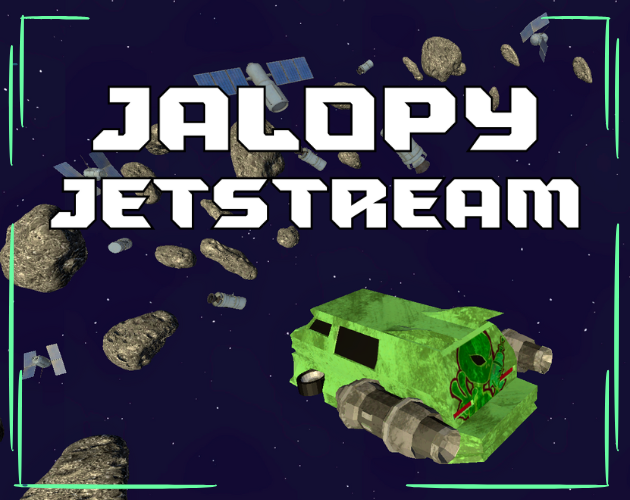
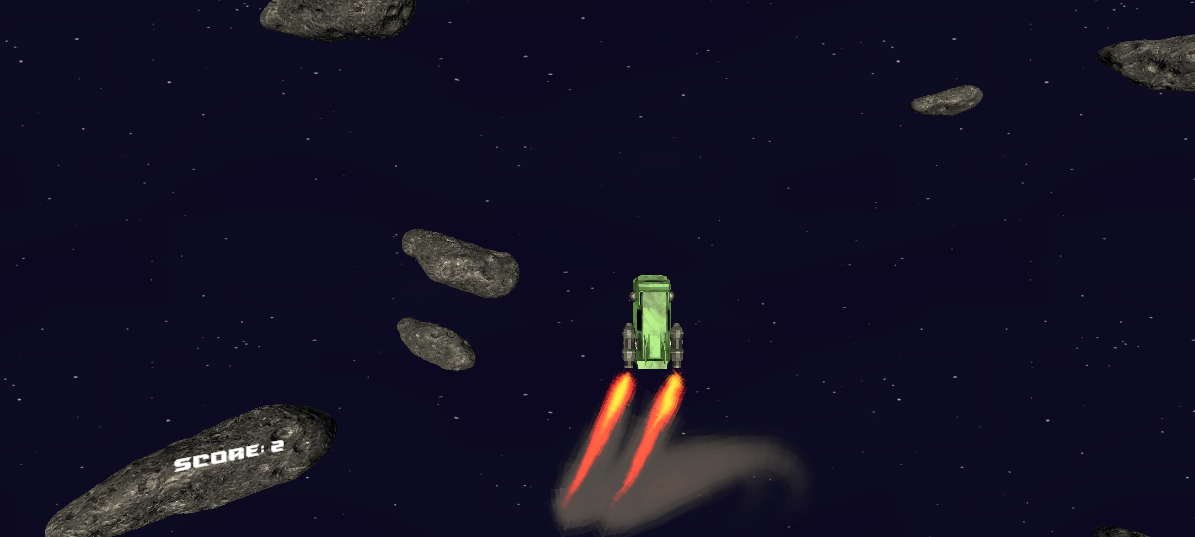
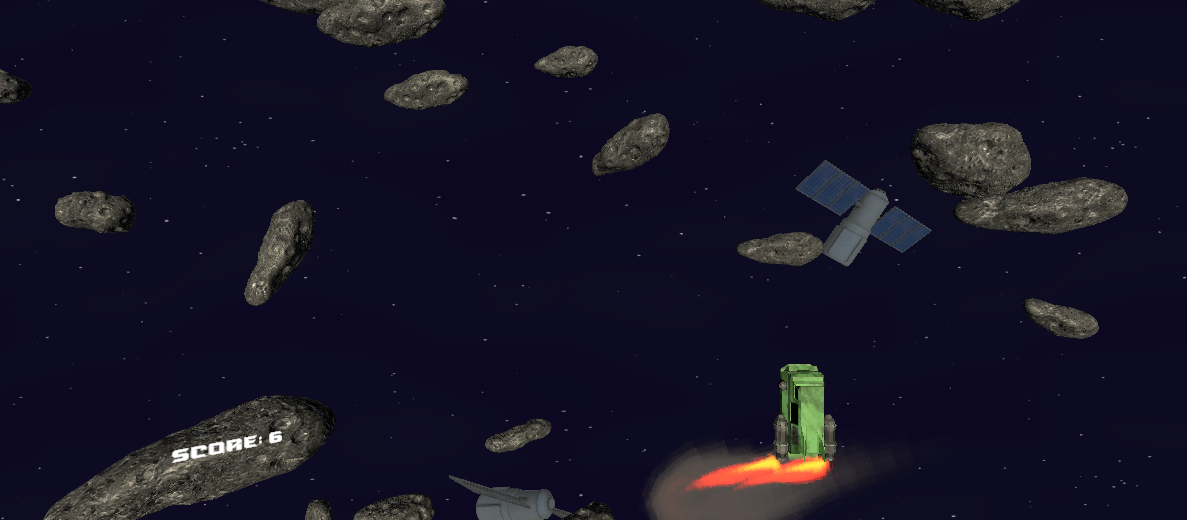
Jalopy Jetstream is an endless space runner made in Unity for GDK Space Jam, a 48 hour game jam. I worked as programmer and UI designer.
It runs in the browser or as a Windows download. Play it on itch.io.
See code on GitHub.
Demo
UI Implementation
This was my main focus of the weekend.
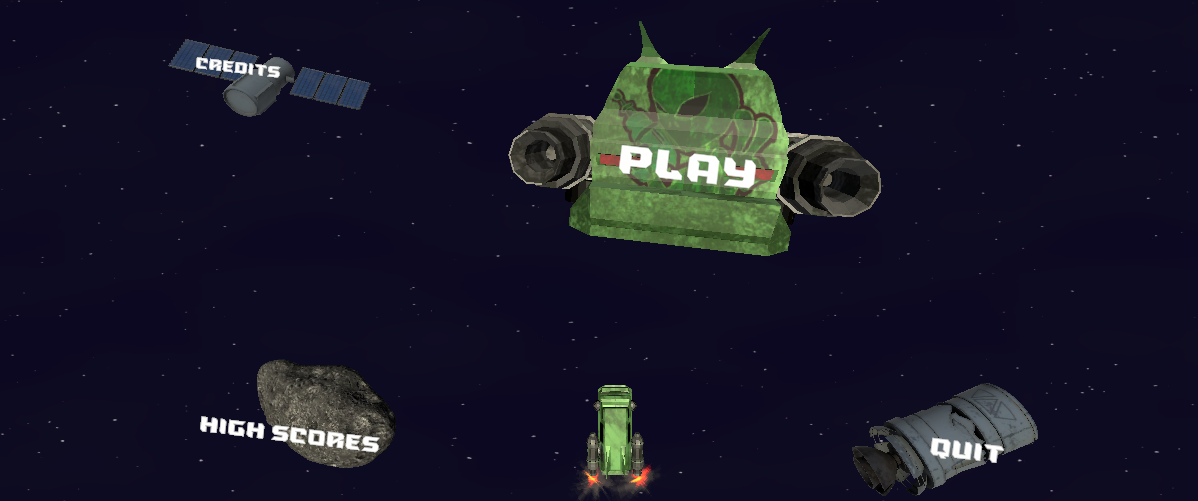
If you watch the demo, you'll notice that the UI is interesting. I wanted to have some fun with things, and for this game jam decided to make a fun and interactive UI setup.
The core of my UI implementation:
- 3D Node UI base class:
- Represent ui buttons as 3D objects in scene.
- Move according to physics and controlled with PID controller.
- Group nodes together.
- Save and swap node states.
- Raycast button clicks.
All of my UI buttons derive from this base class...
// Base class of ui components (nodes)
// A game object composed with this needs a Rigidbody and Button class (Unity-defined stuff)
[RequireComponent(typeof(Rigidbody))]
[RequireComponent(typeof(Button))]
public class UI3DNode : MonoBehaviour {
    ...
}
It integrates with the Unity Button class and requires a Rigidbody to do physics.
Button Integration
I didn't want to "reinvent the wheel" here, so my buttons essentially act as a wrapper over regular Unity Buttons functionality for hovering and clicking events.
private void OnEnable()
{
    MouseRayHandler.I.OnRayHover += HoveringAction;
    MouseRayHandler.I.OnRayClick += ClickAction;
}
private void OnDisable()
{
    MouseRayHandler.I.OnRayHover -= HoveringAction;
    MouseRayHandler.I.OnRayClick -= ClickAction;
}

private void HoveringAction(RayHover_EventArgs e)
{
    ...

    ThisButtonHovered?.Invoke();
}
private void ClickAction(RayClick_EventArgs e)
{
    ...

    but.onClick?.Invoke(); // manually invoke button click
    ThisButtonClicked?.Invoke();
}
MouseRayHandler handles sending a ray from the screen into the scene to detect if we are trying to click on my 3D UI buttons.
I just subscribe to a MouseRayHandler instance's events and forward them to listeners as well as make the Button's call so that it gets forwarded too.
Physics
To move my 3D UI buttons around, I used Unity's force applier functions like AddForce. These functions do exactly what they say; just add a force.
rb.AddForce(force, ForceMode.Impulse);
But we want to have objects that move via forces AND move towards a target. If we can't control where the UI is, how would that be useful?
To solve this, I use a PID controller implementation I stole from here (and check out this amazing video covering it).
private void MoveWithPID(Vector3 tPos)
{
    float inputX = xController.Update(Time.fixedDeltaTime, rb.position.x, tPos.x);
    float inputY = yController.Update(Time.fixedDeltaTime, rb.position.y, tPos.y);
    float inputZ = zController.Update(Time.fixedDeltaTime, rb.position.z, tPos.z);

    // input fed into rb.AddForce ...
}
Screenshots
Team
| Name | Role |
|---|---|
| Chandler Guzman | Project Lead / Programmer |
| Alex Da Vera Cruz | Programmer / UI Designer |
| Ricky Elia | Programmer / VFX Artist |
| Aden Thompson | 3D Artist |
| Josh | Artist |
| Cole Dabolish | Composer & Sound Designer |
Credits
- PID controller: https://github.com/vazgriz/PID_Controller
- Soundtrack: https://on.soundcloud.com/inNzXj3deKyAeffmWh
Release
Released for HTML5 and Windows, made with Unity. No generative AI was used.